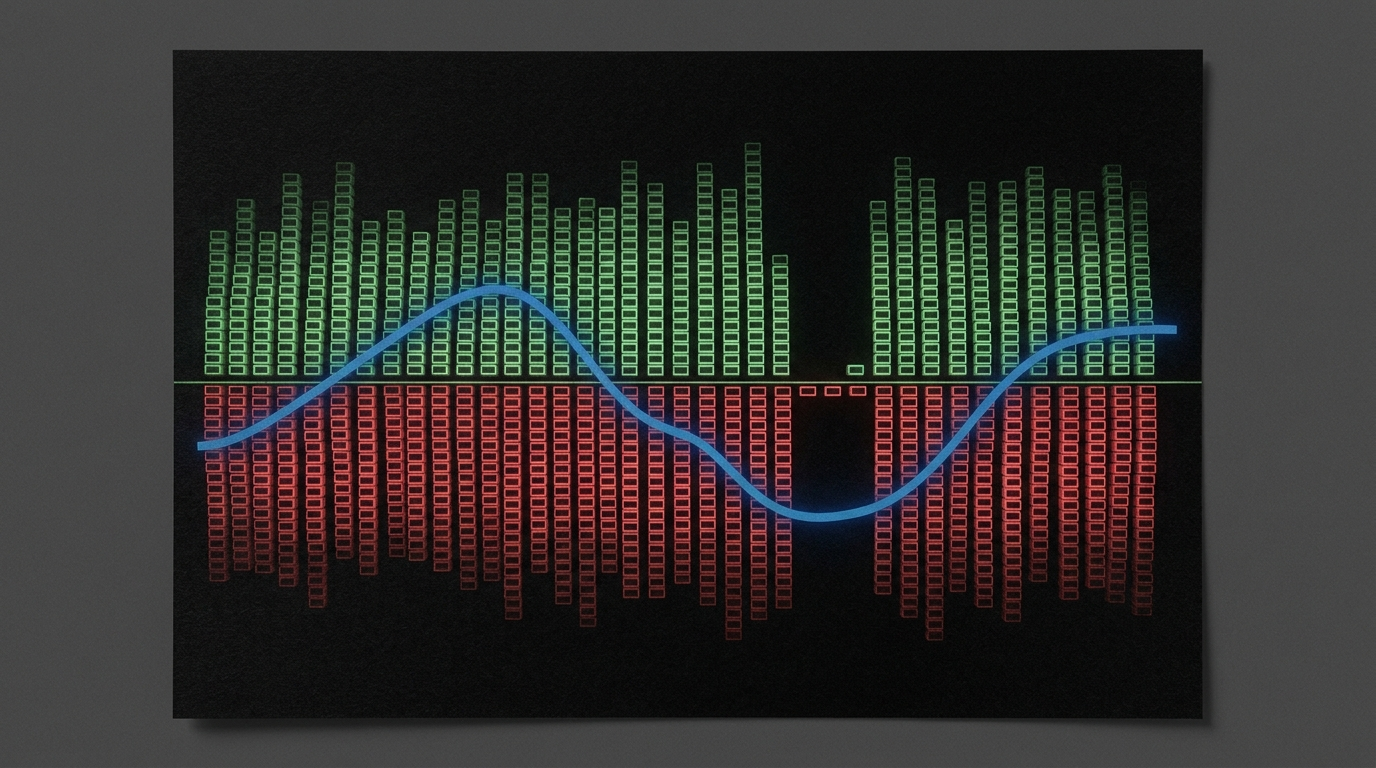
What It Is
The live board is https://cryptodataapi.com/quant-whales.
The search is net_bias Hyperliquid. The field sits on summary.net_bias and on each top-coin row as net_bias. The page header prints the same whole-book lean as book bias. The MCP tool is get_whale_activity. The REST call is GET /api/v1/quant/whales. There is no MCP tool named net_bias.
I am Sam Deering. I built this so an agent can read the Hyperliquid whale margin book. Agents read. They do not trade. We are not a broker.
net_bias is a label. It is short, long, or neutral.
On the summary it is the whole-book lean of every Hyperliquid account at or above $100k that currently holds a perp position. The page heading calls that lean book bias. On this fetch the JSON printed "net_bias": "short". The header printed book bias SHORT.
On each top-coin row it is that coin’s own lean. Coin net_bias is not the book field. A book-level short can sit next to a neutral BTC row and a short ETH row.
The page says a heavy tilt is a crowding or squeeze-fuel signal. The label is not a dollar amount. The dollar amount sits beside it as net notional (summary.total_net_usd on the book, net_usd on a coin). Gross notional includes market-maker liquidity. The API also returns directional_net_usd on each coin — net excluding market makers — for the pure conviction read.
This is not a candle. It is not a price chart. It is positioning.
The sibling field piece for the numeric L/S ratio on the same board is the live post long_short_ratio Hyperliquid. That post owns summary.long_short_ratio. This piece owns the label net_bias (book and coin). The wider endpoint overview is the live post Hyperliquid Whale Activity API.
Where to See It
Open https://cryptodataapi.com/quant-whales.
The human board is a free website preview. The page says that preview is about 30 minutes delayed. The API is real-time. The printed live call is GET /api/v1/quant/whales. The page says this exact JSON refreshes about every 5 minutes.
https://cryptodataapi.com/llms.txt maps that REST path to MCP tool get_whale_activity. The whale page itself does not print the tool name.
History is GET /api/v1/quant/whales/history. The page example is ?days=180. That path is Pro Plus. The page says that path is the daily series behind the page chart. The full top-coins list is Pro. The free preview shows the top 8 coins on the table.
Do not call a snapshot type to read the current net_bias. The current label is on the live /quant/whales object.
Scope is Hyperliquid perpetuals. The page calls that scope the whale margin book. Every account at or above $100k is in that book. Tokenized equities are excluded. Spot-wallet balances are a planned addition. Meta on this print: segment perp, venue hyperliquid, spot_status not_yet_collected. Scope string: whale_activity.
The Unique Fields
Lead with these. Do not start with OHLCV.
summary.net_bias. The whole-book label. Values seen on the board: short, and the header form SHORT. It is the book lean including maker liquidity.
Book bias. The page header word for the same lean. It sits next to the L/S ratio and the net dollar print.
Coin net_bias. Each top-coin row carries its own label (short, long, or neutral). It is not summary.net_bias.
Also on the same summary: long_short_ratio, total_net_usd, total_long_usd, total_short_usd, total_gross_usd, long_pct, accounts_tracked, universe_size, coins_held, and by_class (market_maker / whale / other).
Per coin you also get gross, long, short, net, directional_net_usd, long_pct, account counts, and dominant_side. dominant_side is computed from the same notional inputs as net_bias — long_usd versus short_usd — not from account counts. The difference is the threshold: net_bias carries a 5% neutral deadband on net-to-gross skew (a three-way long/short/neutral label), while dominant_side is a forced two-way split with no neutral zone — ties go to “long.” A coin can read net_bias neutral while dominant_side still reads “short,” simply because short notional was even slightly larger.
What the Board Showed
Fetched from https://cryptodataapi.com/quant-whales on 10 Sep 2026, afternoon Brisbane time (AEST). The printed JSON timestamp was 2026-09-10T04:01:00.273000Z (14:01 AEST). The page says this preview is about 30 minutes delayed. The API is real-time. These figures are a snapshot of that one page load — a later call will differ.
| Read | Value |
|---|---|
| Accounts with open positions | 3,460 |
| Tracked universe ≥$100k | ~14,417 |
Book bias / summary.net_bias | SHORT / "short" |
L/S ratio (long_short_ratio) | 0.823 |
| Net notional | $-771.80M |
| Long exposure | $3.58B (45.1% of gross) |
| Short exposure | $4.35B (54.9% of gross) |
| Directional whales | 188 |
| Market makers | 222 |
| Other large accounts | 3,050 |
| Cryptos held | 178 |
| Live chart days so far | 74 |
The printed summary matched those header reads:
accounts_tracked: 3460universe_size: 14417min_account_value_usd: 100000.0coins_held: 178total_long_usd: 3578027314.32total_short_usd: 4349831265.04total_net_usd: -771803950.72total_gross_usd: 7927858579.36long_pct: 45.1long_short_ratio: 0.823net_bias:"short"by_class:market_maker222,whale188,other3050
Top coins on the same print (by whale notional):
| Coin | Mark | Whale notional | Net bias | # Whales |
|---|---|---|---|---|
| BTC | $78,302.50 | $2.15B | NEUTRAL | 1,106 |
| ETH | $2,474.75 | $2.05B | SHORT | 729 |
| HYPE | $83.98 | $1.41B | NEUTRAL | 1,116 |
| ZEC | $1,242.55 | $534.36M | SHORT | 583 |
| SOL | $101.81 | $442.28M | SHORT | 369 |
| XRP | $1.39 | $189.08M | SHORT | 192 |
| LIT | $4.63 | $147.76M | SHORT | 294 |
| PUMP | $0.004056 | $129.26M | SHORT | 244 |
Sample coin JSON on the same print: BTC net_bias "neutral" with dominant_side "short"; ETH net_bias "short" with dominant_side "short"; HYPE net_bias "neutral" with dominant_side "short". The label and the notional-lean field can disagree: on BTC, short notional edged out long notional by less than the 5% deadband, so net_bias reads neutral while dominant_side — which has no deadband — still reads short. Read both.
The page says the earlier part of the positioning chart is modeled and shown dashed. It says 74 live days have been collected so far. The chart auto-updates as live days replace modeled points. Do not treat a dashed day as an observed net_bias.
How to Read It
Read summary.net_bias first. Then read book bias on the header. Then read summary.total_net_usd. Then look at long_pct and the long/short dollar bars.
On this fetch net_bias was short. Book bias was SHORT. Net was about $-772M. Long was 45.1% of gross. Short was 54.9%. The sibling numeric lean long_short_ratio was 0.823. That ratio is owned by the long_short_ratio Hyperliquid post. Cite it once for context. Do not treat this post as that post.
Then open the top coins. Read each coin net_bias. Then read dominant_side — remember it shares the same notional inputs as net_bias but has no neutral deadband, so it can disagree with a “neutral” label. Then read directional_net_usd if the question is conviction without makers.
So net_bias on the summary is the whole-book lean, including maker liquidity. It is not the maker-excluded conviction field.
Do not treat a standing level as a trade. The page strategy prompt on the board asks agents to test the change in skew — a flip or a fast unwind — not the standing print alone. That is a test idea. It is not a broker order. Hyperliquid settles on-chain, so these are real positions, not estimates.
What It Is Not
It is not summary.long_short_ratio. That is long notional divided by short notional. This piece owns the label. The sibling post owns the ratio.
It is not a dollar amount. Net notional is total_net_usd / net_usd. The label sits beside those dollars.
It is not candles. It is not OHLCV. Do not open with a candle poll to discover this field.
It is not directional_net_usd. One is a short, long, or neutral label. The other is a dollar net with market makers removed.
It is not dominant_side. Both fields are computed from the same long_usd / short_usd notional, but dominant_side is a forced two-way split (ties go to “long”) with no neutral deadband, while net_bias carries a 5% deadband that can call the same skew “neutral.” They read the same book and can still disagree.
It is not the long-horizon regime name. The page header can show a short-term regime next to whale bias. Those are different reads.
It is not dealer gamma. The page links gamma as a separate board.
It is not hl_trader_positions. The page lists that name as the 5-minute classified account archive. The page dates that archive to 9 May 2026. The page marks that archive Pro Plus.
It is not an MCP tool named net_bias. llms.txt maps GET /api/v1/quant/whales to get_whale_activity. That tool is the parent read. The field rides inside summary and each top-coin object.
It is not financial advice. It is not a buy or sell signal by itself. We are not a broker.
A bare call without a paid path can return payment required. This session, an unauthenticated GET /api/v1/quant/whales returned HTTP 402 with an x402 payment_required body. Leave that status as-is. Do not invent a 200 payload when you got a 402.
How an Agent Should Call It
get_whale_activity is Pro. The remote MCP server is https://cryptodataapi.com/mcp. Do not start with a candle poll. Bars cannot tell you the whale book lean.
Tool order:
list_capabilities— no key needed.create_free_api_key— only if you lack a key. Use a real email.- Confirm that email. Confirming lifts the same key from 100 to 1,000 requests a day and switches Pro on for 24 hours.
get_daily_snapshot— cheap whole-market context.get_whale_activity— this isGET /api/v1/quant/whales.
Read summary.net_bias. Read book bias on the human board if you have it. Read summary.total_net_usd. Then report coin net_bias rows and dominant_side — read them as two separately-thresholded views of the same long/short notional, not two independent signals. If the payload has no key named net_bias outside summary and the coin objects, do not invent one.
A 403 on a Pro gate is the expected free-tier answer when the trial is off. Read the body. Do not retry it. A different 403 is HTML from the CDN. Python’s built-in urllib is refused before the API sees the call. Set a User-Agent that names your client.
History stays on REST: GET /api/v1/quant/whales/history?days=180. MCP leaves the heavy backtesting surface off the tool list. Use REST for history and snapshots.
REST Example
curl -H "X-API-Key: cdk_live_your_key" \
  -H "User-Agent: cryptodataapi-python/1.0" \
  "https://cryptodataapi.com/api/v1/quant/whales"
Then read:
summary.net_bias
summary.total_net_usd
summary.long_pct
summary.by_class
top_coins[].net_bias
top_coins[].dominant_side
top_coins[].directional_net_usd
Concrete live example from the board print above: net_bias "short", book bias SHORT, net $-771.80M, long $3.58B (45.1%), short $4.35B (54.9%), 3,460 accounts with positions of about 14,417 tracked ≥$100k accounts, BTC coin net_bias neutral, ETH coin net_bias short.
Without a key this session returned:
HTTP 402
error: payment_required
resource: /api/v1/quant/whales
That is the gate, not a missing field.
Docs and Related Reads
- Product board: https://cryptodataapi.com/quant-whales
llms.txtwhale entry: https://cryptodataapi.com/llms.txt- API docs: https://cryptodataapi.com/api/docs
- MCP server: https://cryptodataapi.com/ai-agents/mcp-server
- Sibling blog (wider whale endpoint): Hyperliquid Whale Activity API
- Sibling field post (owns
summary.long_short_ratio): long_short_ratio Hyperliquid
Live full-universe whales is Pro. Daily whale history is Pro Plus. Pro is 30 requests a minute and 10,000 a day. A 429 carries Retry-After.
What the Key Costs
The free tier needs no card. A new key starts at 100 requests a day until the email is confirmed.
Pricing is Pro at $29 a month, or $19 a month billed annually ($228 a year). Pro Plus is $99 a month, or $79 a month annually ($948 a year). An agent can subscribe with POST /api/v1/payments/agent-subscribe. monthly is Pro. monthly_plus is Pro Plus. Read the amount from the HTTP 402 body.
Checklist
- Open https://cryptodataapi.com/quant-whales or call
get_whale_activity. - Read
summary.net_biasbefore you dig into coins. - Pair it with book bias and
summary.total_net_usd. - Treat coin
net_biasas coin-level. Treatdirectional_net_usdas maker-excluded conviction. Treatdominant_sideas the same notional lean with no neutral deadband — not an account-count field. - There is no MCP tool named
net_bias. The parent tool isget_whale_activity. - Do not invent JSON keys the payload does not show.
- Do not rewrite this as the long_short_ratio post. Link that sibling once if the agent needs the numeric ratio.
Not financial advice. It is data.