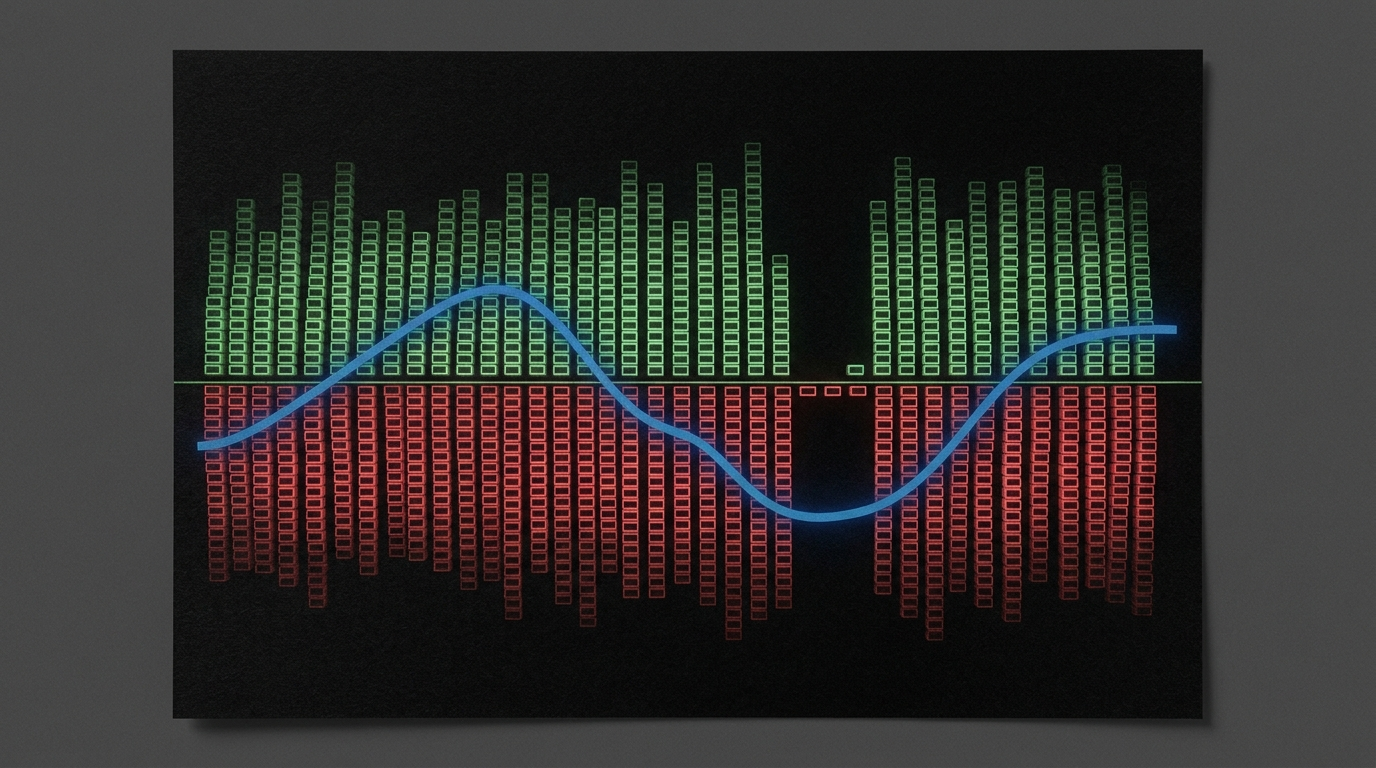
What It Is
The live board is https://cryptodataapi.com/quant-whales.
The search is long_short_ratio Hyperliquid. The field sits on summary.long_short_ratio. The MCP tool is get_whale_activity. The REST call is GET /api/v1/quant/whales. There is no MCP tool named long_short_ratio.
I am Sam Deering. I built this so an agent can read the Hyperliquid whale margin book. Agents read. They do not trade. We are not a broker.
long_short_ratio is the book-level lean of every Hyperliquid account at or above $100k that currently holds a perp position. It is long notional divided by short notional on that book. The same summary prints net_bias. The page header prints book bias and net notional next to the L/S ratio.
A value under 1 means short notional is larger than long notional. A value over 1 means the opposite. The page says the bar is the share of total whale notional that is long versus short. The page says a heavy tilt is a crowding or squeeze-fuel signal.
This is not a candle. It is not a price chart. It is positioning.
The sibling overview of the same endpoint is the live post Hyperliquid Whale Activity API. This piece owns the field summary.long_short_ratio on the quant-whales board. That post covers the wider whale read.
Where to See It
Open https://cryptodataapi.com/quant-whales.
The human board is a free website preview. The page says that preview is about 30 minutes delayed. The API is real-time. The printed live call is GET /api/v1/quant/whales. The page says that call is aggregated live positioning. The page says this exact JSON refreshes about every 5 minutes.
History is GET /api/v1/quant/whales/history. That endpoint is Pro Plus. The full top-coins list is Pro. The free preview shows the top 8 coins on the table.
Scope is Hyperliquid perpetuals. The page calls that scope the whale margin book. Every account at or above $100k is in that book. Gross notional includes market-maker liquidity. The API also returns directional_net_usd on each coin — net excluding market makers — for the pure conviction read. Tokenized equities are excluded. Spot-wallet balances are not yet collected.
The Unique Fields
Lead with these four. Do not start with OHLCV.
summary.long_short_ratio. Long notional over short notional for the whole ≥$100k book. The page header labels it L/S ratio. Coin rows do not print this field. It is a summary field.
summary.net_bias. The whole-book label — long, short, or neutral inside a 5% deadband around net-to-gross. On this fetch it was short. The header prints the same lean as book bias SHORT.
Book bias. The page header word for the lean. It sits next to the L/S ratio and the net dollar print.
Net notional. summary.total_net_usd. Long minus short across the book. Negative means short notional wins.
Also on the same summary: total_long_usd, total_short_usd, total_gross_usd, long_pct, accounts_tracked, universe_size, coins_held, and by_class (market_maker / whale / other).
Per coin you get gross, long, short, net, directional_net_usd, long_pct, net_bias, account counts, and dominant_side. Those coin rows do not carry long_short_ratio.
What the Board Showed
Fetched from https://cryptodataapi.com/quant-whales on 10 Sep 2026, morning Brisbane time (AEST). The printed JSON timestamp was 2026-09-09T23:01:57.108000Z. The page says this preview is about 30 minutes delayed. The API is real-time. These figures are a single historical read of the page — not a live claim. A later call will differ.
| Read | Value |
|---|---|
| Accounts with open positions | 3,522 |
| Tracked universe ≥$100k | ~14,480 |
| Book bias | SHORT |
L/S ratio (long_short_ratio) | 0.833 |
| Net notional | $-731.76M |
| Long exposure | $3.65B (45.4% of gross) |
| Short exposure | $4.38B (54.6% of gross) |
| Directional whales | 185 |
| Market makers | 223 |
| Other large accounts | 3,114 |
| Cryptos held | 178 |
The printed summary matched those header reads:
accounts_tracked: 3522universe_size: 14480coins_held: 178total_long_usd: 3645272044.13total_short_usd: 4377032800.87total_net_usd: -731760756.74total_gross_usd: 8022304845.0long_pct: 45.4long_short_ratio: 0.833net_bias:"short"by_class: market_maker 223, whale 185, other 3114
Top coins on the same print (by whale notional):
| Coin | Mark | Whale notional | Net bias | # Whales |
|---|---|---|---|---|
| BTC | $77,921.50 | $2.24B | NEUTRAL | 1,131 |
| ETH | $2,451.65 | $2.05B | SHORT | 749 |
| HYPE | $82.73 | $1.40B | NEUTRAL | 1,131 |
| ZEC | $1,233.80 | $539.72M | SHORT | 594 |
| SOL | $100.86 | $447.63M | SHORT | 372 |
The page says the earlier part of the positioning chart is modeled and shown dashed. It says 73 live days have been collected so far. The chart auto-updates as live days replace modeled points.
How to Read It
Read summary.long_short_ratio first. Then read summary.net_bias. Then read summary.total_net_usd. Then look at long_pct and the long/short dollar bars.
On this fetch the ratio was 0.833. Short notional was larger. net_bias was short. Net was about $-732M. Long was 45.4% of gross. Short was 54.6%.
Then open the top coins. A book-level short bias can sit next to a neutral BTC row and a short ETH row. Coin net_bias is not the book field. Coin directional_net_usd strips market-maker liquidity for the conviction read on that coin.
Do not treat a standing level as a trade. The page strategy prompt on the board asks agents to test the change in skew — a flip or a fast unwind — not the standing print alone. That is a test idea. It is not a broker order.
What It Is Not
It is not an MCP tool named long_short_ratio. llms.txt maps GET /api/v1/quant/whales to get_whale_activity. That tool is the parent read. The field rides inside summary.
It is not Binance account long/short. It is not CoinGlass global_account_long_short_ratio. It is not the market-health BTC long/short from another endpoint. It is Hyperliquid perp positioning for accounts at or above $100k.
It is not a candle feed. It is not financial advice. It is not a buy or sell signal by itself. We are not a broker.
A bare call without a paid path can return payment required. This session, an unauthenticated GET /api/v1/quant/whales returned HTTP 402 with an x402 payment_required body. Leave that status as-is. Do not invent a 200 payload when you got a 402.
How an Agent Should Call It
get_whale_activity is Pro. The remote MCP server is https://cryptodataapi.com/mcp. Do not start with a candle poll. Bars cannot tell you the whale book lean.
Tool order:
list_capabilities— no key needed.create_free_api_key— only if you lack a key. Use a real email.- Confirm that email. Confirming lifts the same key from 100 to 1,000 requests a day and switches Pro on for 24 hours.
get_daily_snapshot— cheap whole-market context.get_whale_activity— this isGET /api/v1/quant/whales.
Read summary.long_short_ratio. Read summary.net_bias. Read summary.total_net_usd. Then report the class split and top coins. If the payload has no key named long_short_ratio outside summary, do not invent one on a coin row.
A 403 on a Pro gate is the expected free-tier answer when the trial is off. Read the body. Do not retry it. A different 403 is HTML from the CDN. Python's built-in urllib is refused before the API sees the call. Set a User-Agent that names your client.
History stays on REST: GET /api/v1/quant/whales/history?days=180. MCP leaves the heavy backtesting surface off the tool list. Use REST for history and snapshots.
REST Example
curl -H "X-API-Key: cdk_live_your_key" \
  -H "User-Agent: cryptodataapi-python/1.0" \
  "https://cryptodataapi.com/api/v1/quant/whales"
Then read:
summary.long_short_ratio
summary.net_bias
summary.total_net_usd
summary.long_pct
summary.by_class
Concrete historical example from the board print above: ratio 0.833, net_bias "short", net $-731.76M, long $3.65B, short $4.38B, 3,522 accounts with positions of about 14,480 tracked ≥$100k accounts.
Without a key this session returned:
HTTP 402
error: payment_required
resource: /api/v1/quant/whales
That is the gate, not a missing field.
Docs and Related Reads
- Product board: https://cryptodataapi.com/quant-whales
llms.txtwhale entry: https://cryptodataapi.com/llms.txt- API docs: https://cryptodataapi.com/api/docs
- MCP server: https://cryptodataapi.com/ai-agents/mcp-server
- Sibling blog (wider whale endpoint): https://cryptodataapi.com/blog/hyperliquid-whale-activity-api
Live full-universe whales is Pro. Daily whale history is Pro Plus. Pro is 30 requests a minute and 10,000 a day. A 429 carries Retry-After.
What the Key Costs
The free tier needs no card. A new key starts at 100 requests a day until the email is confirmed.
Pricing is Pro at $29 a month, or $19 a month billed annually ($228 a year). Pro Plus is $99 a month, or $79 a month annually ($948 a year). An agent can subscribe with POST /api/v1/payments/agent-subscribe. monthly is Pro. monthly_plus is Pro Plus. Read the amount from the HTTP 402 body.
Checklist
- Open https://cryptodataapi.com/quant-whales or call
get_whale_activity. - Read
summary.long_short_ratiobefore you dig into coins. - Pair it with
summary.net_biasandsummary.total_net_usd. - Treat coin
net_biasanddirectional_net_usdas coin-level context, not the book ratio. - There is no MCP tool named
long_short_ratio. The parent tool isget_whale_activity. - Do not invent JSON keys the payload does not show.
Not financial advice. It is data.